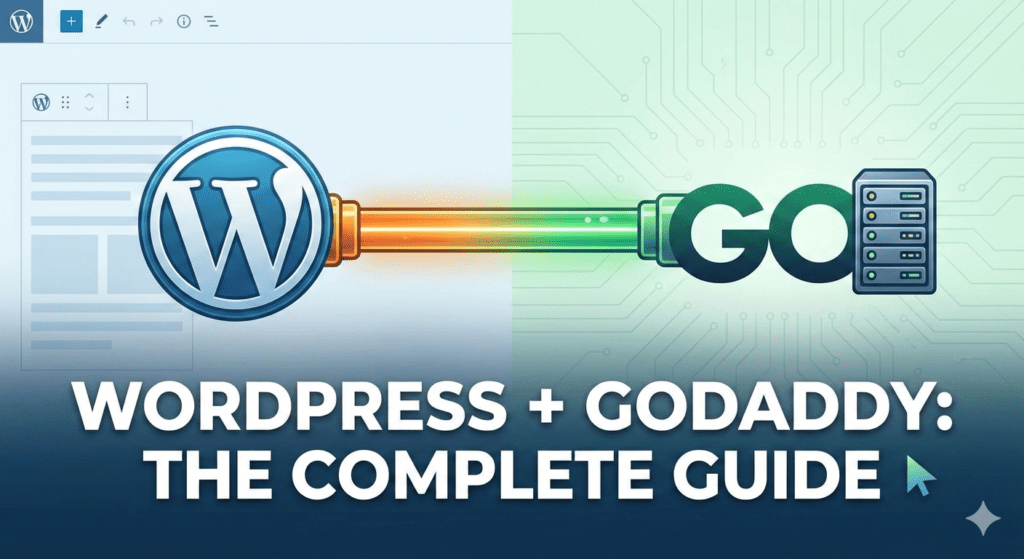
Choosing the right hosting environment is the first step toward a successful website. In 2026, wordpress godaddy hosting remains a popular choice for its simplicity, especially with the introduction of AI-driven tools like GoDaddy Airo.
Below is a comprehensive guide to getting started, optimizing your setup, and ensuring your site runs at peak performance.
Choosing the right hosting environment is the first step toward a successful website. In 2026, wordpress godaddy hosting remains a popular choice for its simplicity, especially with the introduction of AI-driven tools like GoDaddy Airo.
Below is a comprehensive guide to getting started, optimizing your setup, and ensuring your site runs at peak performance.

Step 1: Choose Your Hosting Path
GoDaddy offers two primary ways to run WordPress. Choosing the right one depends on your technical comfort level:
| Feature | Managed WordPress Hosting | Web Hosting (cPanel) |
| Best For | Beginners & Fast Setup | Developers & Customization |
| Updates | Automatic (Core & Plugins) | Manual |
| Performance | Built-in Caching & CDN | User-Configured |
| Setup | AI-Guided (GoDaddy Airo) | One-Click Install (Installatron) |
For most users, Managed WordPress is the gold standard because it handles the “boring” maintenance tasks for you.
Step 2: Launching Your Site with AI
In 2026, GoDaddy’s Airo AI has revolutionized the setup process.
- Log in to your GoDaddy account and navigate to your hosting dashboard.
- Start a Chat: The AI wizard will ask about your business type and goals.
- Generate Content: Airo will automatically suggest themes, install essential plugins, and even generate initial copy and images.
- Connect Your Domain: If you bought your domain through GoDaddy, this is a one-click process. If not, the team at wpmatrix.net can help you securely point your external DNS to your new host.
Step 3: Technical Optimization for 2026
While wordpress godaddy hosting provides a great start, “out of the box” settings aren’t always enough to beat the competition.
Activate the Enterprise CDN
GoDaddy’s higher-tier plans now include an integrated Cloudflare-powered CDN. Ensure this is toggled ON in your hosting settings to reduce latency by serving your site from servers closest to your visitors.
Update Your PHP Version
Check your dashboard to ensure you are running PHP 8.3 or higher. Newer versions execute code significantly faster, which is a direct ranking factor for search engines.
Fine-Tune Your Security
GoDaddy provides a basic firewall, but for professional-grade protection, you should:
- Enable Two-Factor Authentication (2FA) for your admin login.
- Activate your Free SSL Certificate immediately (standard on most plans now).
- Schedule Daily Backups to a remote location.

Why Professional Tuning Matters
Even with “Managed” hosting, your site can still suffer from “plugin bloat” or slow database queries. While GoDaddy provides the house, wpmatrix.net provides the interior design and structural reinforcement.
Expert optimization from wpmatrix.net ensures that your GoDaddy-hosted site passes Core Web Vitals with flying colors, helping you rank higher than other generic setups.
Final Thoughts
Using wordpress godaddy hosting is one of the easiest ways to get online in 2026. By leveraging their AI tools and combining them with professional optimization strategies, you can build a site that is both beautiful and blazing fast.